
Night Ops
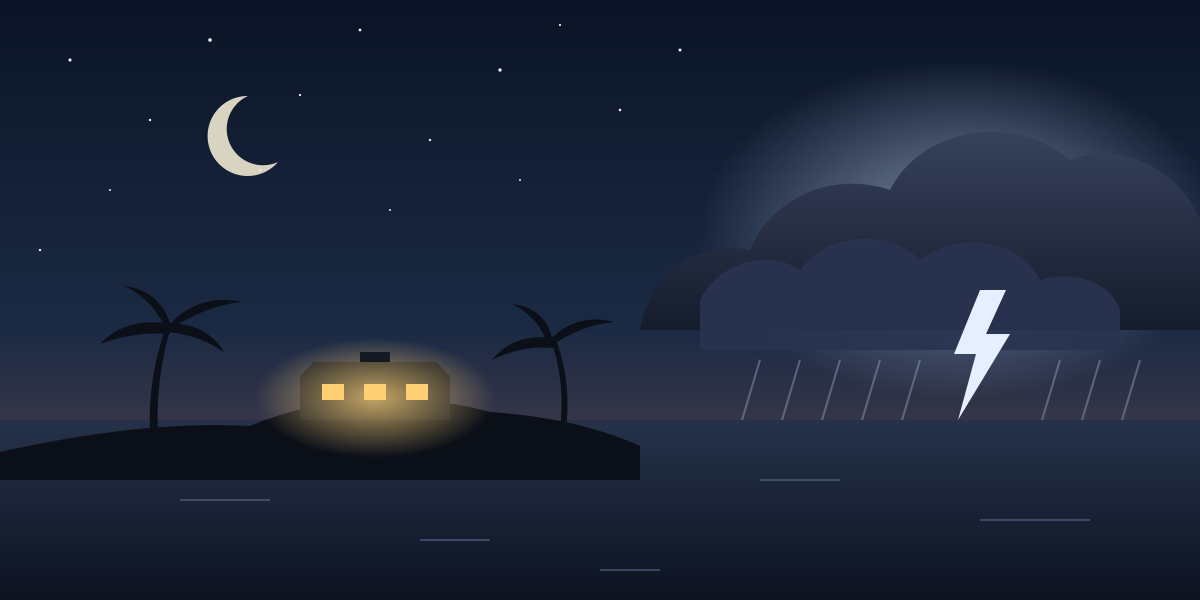
Night Ops is a new kind of server. The world is held at dusk, at 18:30, the lamps and the insides of buildings are lit, and a storm builds over the battle as the tickets fall.
Finding a Night Ops server
Night Ops servers carry a NIGHT mark in the Server Browser, and the Night ops filter shows only them. The Servers page marks them too. Most servers are not Night Ops: they play in daylight, with the original game's look.
What a round looks like
- Dusk, held: the clock stays at 18:30 for the whole round. The sun is down and the sky is dark blue.
- Lights: street and work lamps glow amber, the control towers' cabs and masts are lit, vehicles have their headlights on while someone is in them, and Iwo Jima's lighthouse sweeps the sea with one slow, amber beam.
- Lit rooms: the insides of buildings are lit, so you can see who is in there.
- The storm: it builds with the tickets. The first stretch is a clear night under the stars; then the clouds gather, the storm rolls in with rain, mist and lightning, and the end is fought in the full storm.
- Each new round starts as a clear night again.
Your settings
The server decides the sky, the rain on your view, wet weapons, the lamps' glow and the lens flare: they come on when you join a Night Ops server and go off on a regular one. Lightning and Storm shake (Settings, Graphics, Weather) and Weather volume (Settings, Audio) stay yours.
For server admins
An admin of the server can press F9 in the match. What they change, such as the time, the clouds, the weather or the fog, takes effect for every player and holds for the rest of the round, while what they did not touch still follows the round. Back to Night Ops (N) hands everything back at once, and the next round is a plain Night Ops round again. The panel also has a free camera and Hide HUD and UI for the admin. See Running your server.